
TaxAct General RSS error: what it means and how to clear it
Short answer
The TaxAct General RSS error is not explained anywhere in TaxAct's public help center as of September 2026. Users report it when starting a return, so treat it as a failed connection between your browser or program and TaxAct: retry in a private window with pop-ups allowed, or in TaxAct Desktop make sure only TLS 1.2 is ticked in Windows Internet Options.
- 01TaxAct's published definition of General RSS error
- None found, as of September 2026
- 02TaxAct's published definition of error 16
- None found, as of September 2026
- 03First fix for TaxAct Online
- Private or incognito window
- 04First fix for TaxAct Desktop
- Tick only Use TLS 1.2 in Internet Options
- 05Browsers TaxAct supports
- Latest Chrome, Firefox or Edge; Safari 15 or later
What does General RSS error mean on TaxAct?
A TaxAct General RSS error is a generic failure message with no official explanation. We searched TaxAct's help center in September 2026 and found no article that defines it, and TaxAct does not say what RSS stands for in this context. Anything more specific you read online is a guess.
What we can say is where it shows up. Public help-forum questions describe the TaxAct RSS error appearing when a user starts a new return, including one report from a user on Microsoft Edge. That timing fits a request that did not complete between your device and TaxAct's servers. This is our reading of the pattern, not a TaxAct statement, and it is why TaxAct's published connection and browser fixes are the right place to begin.
Is the TaxAct RSS error a problem with my return?
Nothing we found links it to your tax data. It is not an IRS rejection code, and it is not a review alert inside the return. An e-file rejection arrives after you file and names an IRS business rule; the General RSS error appears before you get that far.
Your saved entries should still be there once the connection works. In TaxAct Online the return lives in your account, and in TaxAct Desktop it is a file on your computer, so do not start a duplicate return to get around the message.
How to fix a TaxAct General RSS error in the browser
Work through these in order and retest after each one. TaxAct lists poor internet connections, add-ons, pop-up blockers, auto-fill and security settings as common causes of website problems.
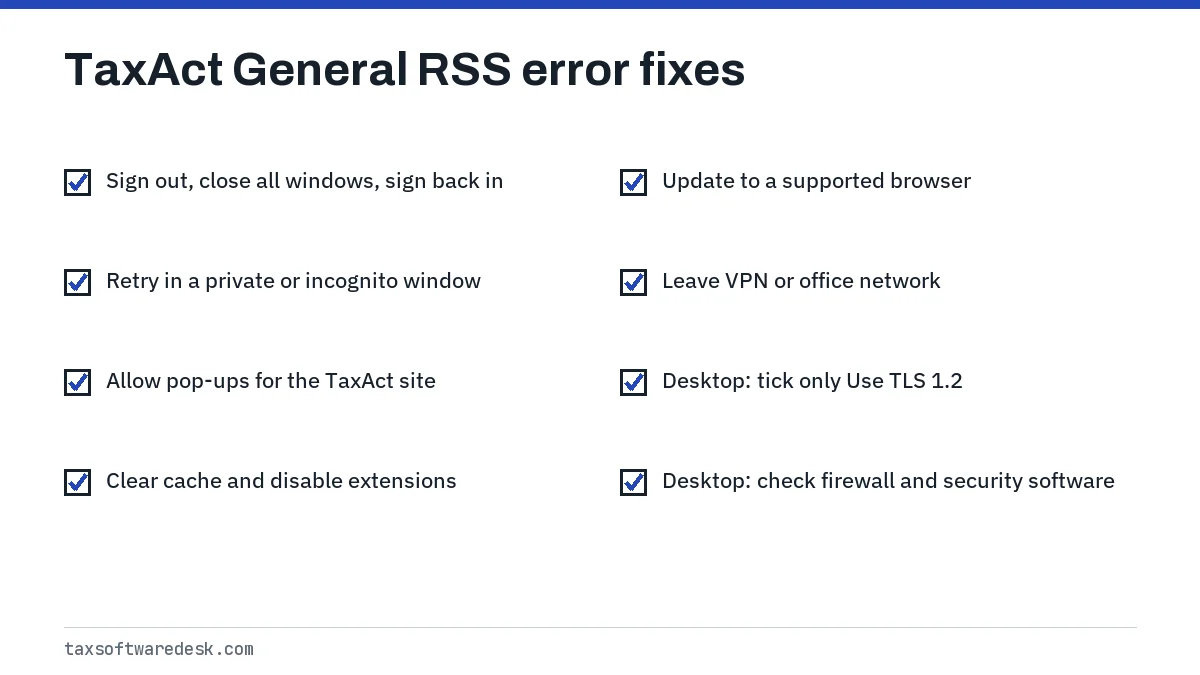
- Sign out, close every browser tab and window, and sign back in.
- Open a private window and sign in there: Ctrl + Shift + N in Chrome or Edge, Ctrl + Shift + P in Firefox, Command + Shift + N in Safari.
- If the private window works, clear your cache and browsing history in the normal window, then disable extensions one by one to find the one interfering.
- Allow pop-ups for the TaxAct website.
- Update the browser. TaxAct Online supports the latest Chrome, Firefox and Microsoft Edge, and Safari 15 or later on macOS 10.15 or higher.
- Switch networks, for example from office Wi-Fi or a VPN to home internet or a phone hotspot.
Step 6 matters more than it looks. Work networks, school networks and VPNs often filter traffic, which can make some TaxAct requests fail while ordinary web pages load normally.
TaxAct network error in the Desktop program
In TaxAct Desktop, a TaxAct network error during updates, sign-in or transmission is most often a Windows secure-connection setting. TaxAct says Windows updates can change these settings.
Check TLS settings
- Close TaxAct.
- Type Internet Options in the Windows search box and open it.
- On the Advanced tab, scroll to the end of the Settings list.
- Tick Use TLS 1.2. Untick every other TLS box and every SSL box.
- Click Apply, then OK, and reopen TaxAct.
Clear saved form data and proxy settings
- In Internet Options > General, under Browsing history, click Delete, tick Form data, and click Delete.
- In Internet Options > Connections > LAN settings, untick every box, then click OK and Apply.
- Check Windows Defender Firewall and any third-party security suite; TaxAct says these can block some programs while other internet use works.
- Restart the computer and the router, which can reset the connection configuration.
If only updates fail, download the update from TaxAct's updates page on its website instead of from inside the program. Other Desktop symptoms, such as a program that will not open, are on TaxAct not working.
What about TaxAct error 16?
TaxAct error 16 is another number people search for, and we found no TaxAct help article that defines it as of September 2026. Without an official meaning, do not act on explanations from unofficial sites that ask you to install repair tools or call a number listed on a third-party page.
Write down the exact wording, the screen you were on, and whether you use Online or Desktop, then run the same connection checks above. If the number appears on an IRS rejection instead of a TaxAct pop-up, it is an IRS business rule, not a TaxAct error, and the rejection itself explains the fix.
If the General RSS error persists
If a private window, a second browser, a different network and, for Desktop, the TLS check all fail, the problem is likely on TaxAct's side or tied to your account. Contact TaxAct through the Contact Us or Service and Support links on its website and include what you already tried, so the agent can skip the basic steps.
Keep an eye on the calendar. A software outage does not move the IRS deadline, and the 2027 filing season dates are not yet announced; the IRS usually confirms them in early January. If you need to switch products late in the season, our FreeTaxUSA troubleshooting hub and TaxSlayer not working cover the most common alternatives, and TaxSlayer error code 0622 covers another numbered error that users of a rival product search for.
Step by step
Reset the session
Sign out, close all browser windows and sign back in.
Test a private window
Sign in from a private or incognito window with pop-ups allowed.
Change network
Leave office Wi-Fi or a VPN and try home internet or a hotspot.
Check Desktop TLS
In Internet Options > Advanced, tick only Use TLS 1.2.
Contact TaxAct
Use the Contact Us page on TaxAct's website and list the steps already tried.
Common questions
What does RSS stand for in the TaxAct error?
TaxAct has not published what RSS means in this message, as of September 2026. Without an official definition, treat it simply as a label on a request that did not complete, and apply the connection fixes on this page.
Why does TaxAct say General RSS error when I start a new return?
Starting a return is one of the points where the browser or program must reach TaxAct's servers. A blocked pop-up, a browser extension, a filtered network or a Desktop TLS setting can stop that request; retry in a private window or on another network.
Will clearing my cache delete my TaxAct return?
No. Clearing the browser cache removes stored copies of web pages and cookies on your device. Your TaxAct Online return is saved in your TaxAct account, so you only need to sign back in.
Does the TaxAct RSS error happen on Mac?
It can appear in TaxAct Online on any computer. TaxAct Desktop is Windows-only, so Mac users should apply the browser fixes and make sure Safari is version 15 or later.
Should I call a support number I found for TaxAct error codes?
Only use contact details from TaxAct's own website. Third-party pages that list phone numbers for software errors are sometimes run by unrelated technical-support services.
Sources
- TaxAct: Browser Issues General, Online/Website Problems taxact.com
- TaxAct: General Connection Issues, Secure Transmissions (Desktop) taxact.com
- TaxAct: Desktop Versions, Windows 10 and 11 General Assistance support.taxact.com
- TaxAct System Requirements taxact.com
We check figures against these official pages. Rules change; confirm anything that affects a deadline or payment with the agency before you act.
Tell us what happened
Describe your situation and our editors will use it to improve this guide. If you leave your email, we may reply with a pointer to the right page or official contact. We never share your details.