
Cash App Taxes not working: sign-in, loading and rejection fixes
Short answer
Cash App Taxes not working most often traces to sign-in: Cash App Taxes says you need Cash App installed on your phone with an active account, even to file from a computer, and the one-time code only goes to a phone number tied to that account. Other causes are browser loading faults, IRS rejections and forms or state situations the product does not support.
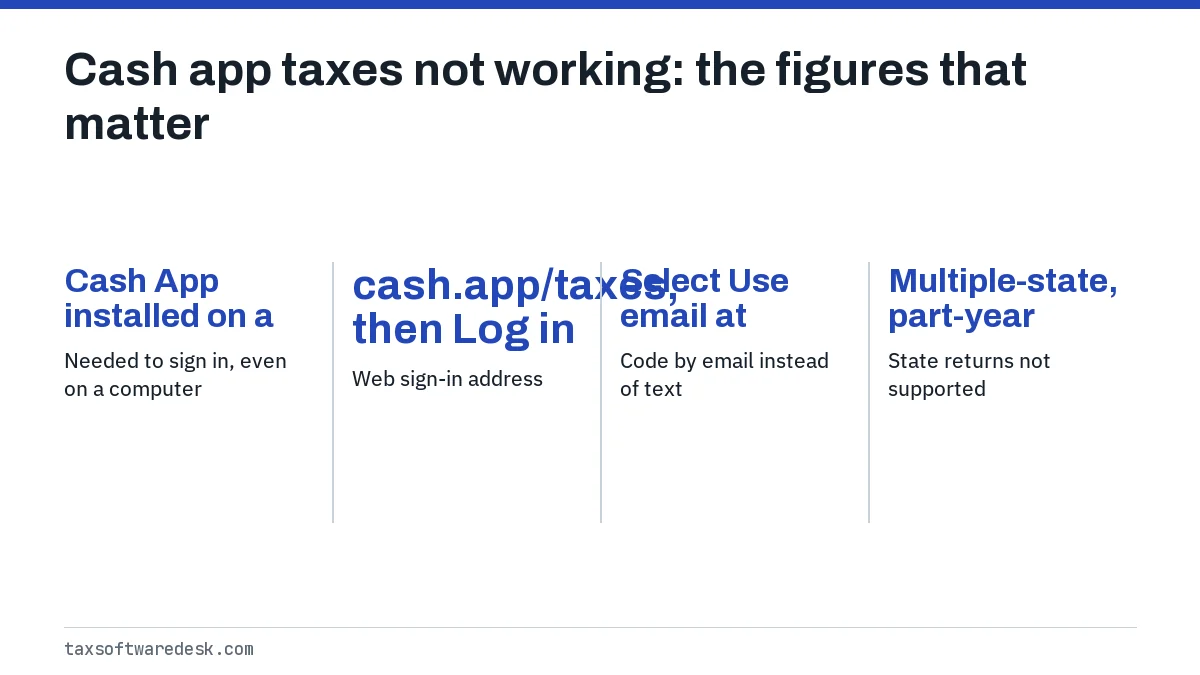
- 01Needed to sign in, even on a computer
- Cash App installed on a phone with an active account
- 02Web sign-in address
- cash.app/taxes, then Log in
- 03Code by email instead of text
- Select Use email at sign-in
- 04State returns not supported
- Multiple-state, part-year and nonresident
- 05E-file correction window after rejection
- 5 calendar days after the due date (IRS Pub 1345)
Why is Cash App Taxes not working?
Cash App Taxes is the free tax filing service run by Block Inc., the company behind Cash App. Unlike most tax software, it does not have its own username and password; you sign in with the phone number or email on your Cash App account and a one-time code. When that link between the two accounts is broken, Cash App Taxes cannot let you in.
That is why the fix list here starts with sign-in rather than the browser. After sign-in, the next most common problems are pages that will not load, an IRS rejection, and a return that stalls because it includes a form or state situation Cash App Taxes does not handle.
Can I use Cash App Taxes on a computer?
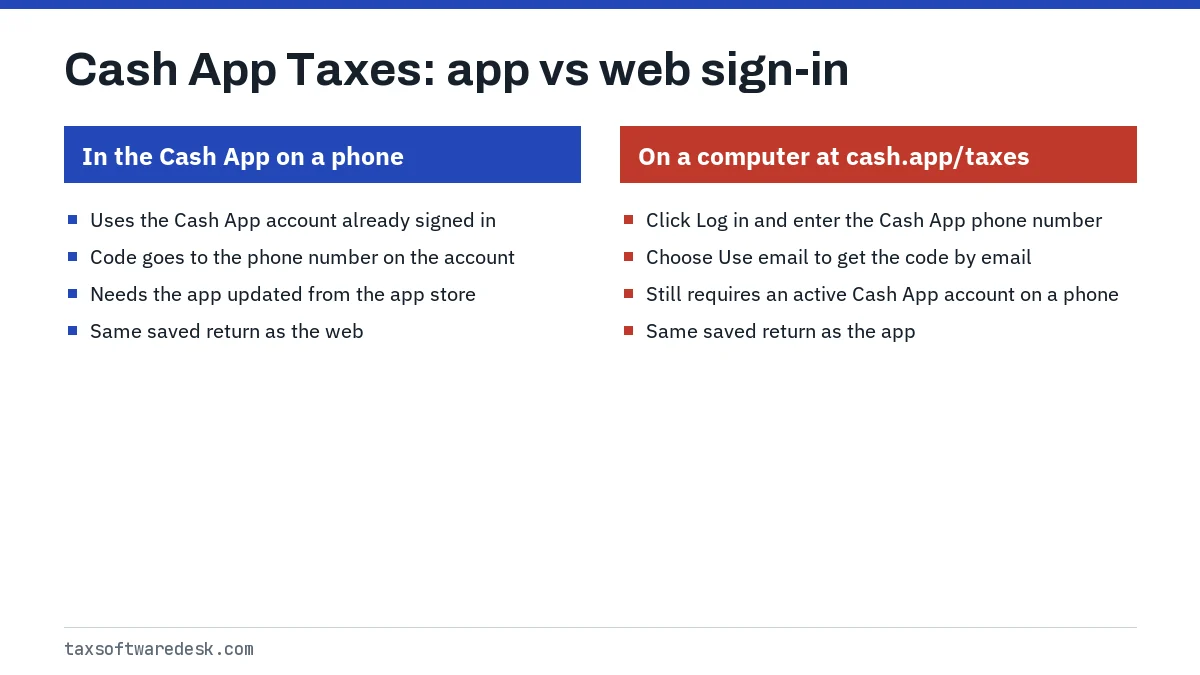
Yes. Cash App Taxes says you can file from a computer or the app, and your progress saves automatically so you can switch devices. The catch is that the computer sign-in still depends on the phone: the Cash App Taxes help center says you need Cash App downloaded on your phone and an active Cash App account before you can log in anywhere.
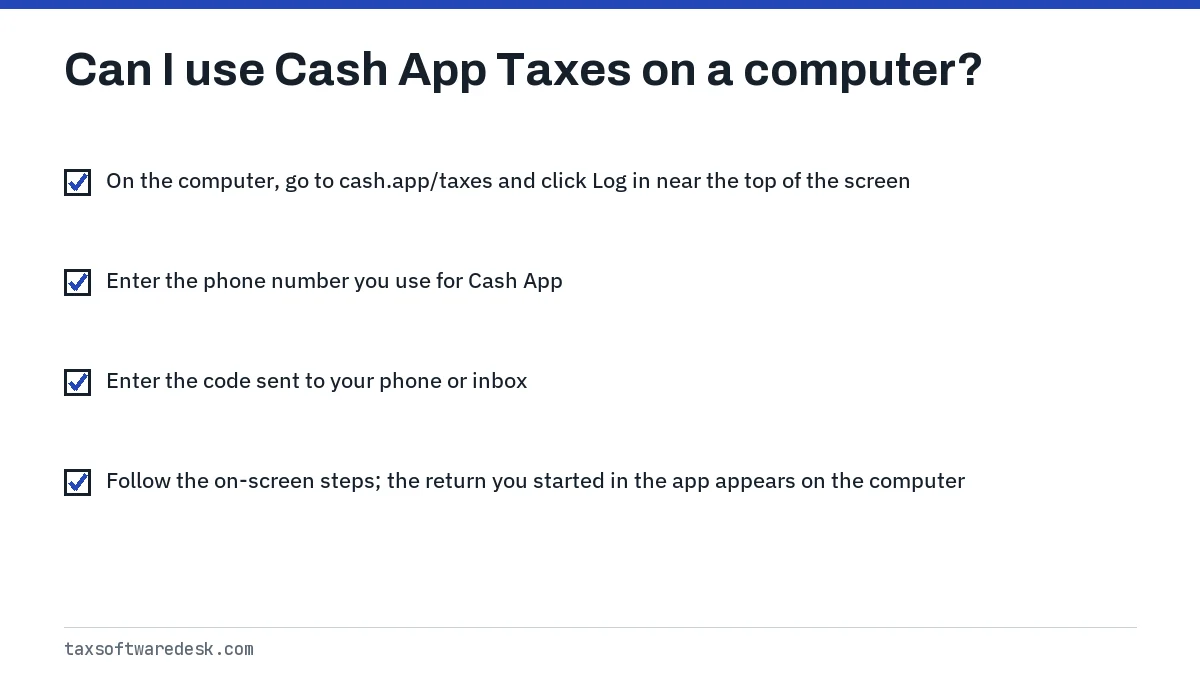
- On the computer, go to cash.app/taxes and click Log in near the top of the screen.
- Enter the phone number you use for Cash App. To get the code by email instead, select Use email and enter your email address.
- Enter the code sent to your phone or inbox.
- Follow the on-screen steps; the return you started in the app appears on the computer.
Cash App Taxes login not working: no code arrives
Cash App Taxes lists four checks when a sign-in code does not arrive. Each maps to a setting inside the Cash App itself, not inside Cash App Taxes.
| Check | Where to look in Cash App |
|---|---|
| You have a Cash App account | Download Cash App and create an account; with no account, no code is sent |
| Notifications are on for your phone number | Your Account, then Notifications |
| A phone number is on the account | Your Account, then Personal |
| You typed the right number | Use the number tied to Cash App; codes only go to numbers on a Cash App account |
If texts still fail, switch to Use email at the sign-in screen. The same requirement applies to opening a support case: Cash App Taxes says you must be signed in to the Cash App on your phone before you can open a ticket with its agents.
Cash App Taxes not loading or freezing
Cash App Taxes has not published a browser list or a service-status page that we could find. For a page that spins, goes blank or throws you back to sign-in, work through the usual browser checks in order, testing after each one.
- Type cash.app/taxes into the address bar instead of following an ad or old bookmark.
- Update the browser, or update the Cash App from your phone's app store if you are filing in the app.
- Clear cached files and cookies for the site, close all browser windows and sign in again.
- Try a private window with extensions off, since ad and script blockers can stop pages from loading.
- Switch devices: if the phone app fails, try the computer, and the reverse. Your progress is saved to the account, not the device.
- If every device fails at the same step, email Cash App Taxes support through the help center with the step name.
A return that loads fine but will not let you continue past a particular form is a different problem. It often means the return needs something Cash App Taxes does not support, covered below.
Cash App Taxes rejected: how to fix and resend
If the IRS rejects the return, Cash App Taxes says it emails you the reason. Sign in, fix the item that caused the rejection, and in most cases you can resubmit from the same account. Common causes it lists are a name or Social Security number that does not match IRS or Social Security records, a misspelled name, a wrong employer identification number, a missing Identity Protection PIN and an incorrect prior-year AGI.
If the rejection says a return was already filed under your Social Security number, you cannot fix that by editing. Cash App Taxes notes this may need a mailed return. Prior-year AGI rejections have their own walkthrough at prior-year AGI or PIN, and the general resend steps are on resubmit a rejected tax return. For comparison, see how another free product handles it in FreeTaxUSA rejected return.
What state returns can't Cash App Taxes file?
Cash App Taxes' unsupported list, last dated January 13, 2025 for tax year 2024 returns, excludes several state situations. Check the current version before the 2027 season, since the tax year 2026 list is not yet published.
- Multiple state returns, part-year state returns and nonresident state returns.
- State returns for married filing separately in community property states: Arizona, California, Idaho, Louisiana, New Mexico and Wisconsin (Texas has no state income tax).
- A state-only return. You must file federal with Cash App Taxes first; you can add the state later, but not the other way round.
- Part-year New York City or Yonkers returns.
The same list rules out some whole returns: filers under 18, people living outside the United States, prior-year returns, foreign earned income (Form 2555), the foreign tax credit (Form 1116), Form 8332 for releasing a child's exemption, and Form 8615 for a child's unearned income. If your return needs one of these, switching products is faster than troubleshooting. The FreeTaxUSA, TaxAct and other software hub and Jackson Hewitt Online not working cover two alternatives.
Common questions
Why can't I log into Cash App Taxes on my computer?
Cash App Taxes requires Cash App on your phone with an active account, even for computer sign-in, and sends the code only to a phone number on that account. Check that notifications are on under Your Account, then Notifications, or choose Use email.
Can I use Cash App Taxes without the Cash App?
No. Cash App Taxes says you need to download Cash App and create an account before you can log in or open a support case.
Does Cash App Taxes file more than one state?
No. Its help center says multiple-state, part-year and nonresident state returns are not supported. You can still file the federal return there and use other software for the states if your states accept that.
Can I file a prior-year return with Cash App Taxes?
No. Prior-year returns are on Cash App Taxes' list of situations it does not support, along with returns for filers under 18 and people living outside the United States.
Will Cash App Taxes tell me if my return is rejected?
Yes. Cash App Taxes says it emails you with the rejection reason. Sign in, correct the issue and resubmit from your account.
Is Cash App Taxes open for the 2027 season yet?
The IRS has not announced the 2027 filing season start date; it usually does so in early January. Cash App Taxes' tax year 2026 support list had not been published as of September 2026.
Sources
- Cash App Taxes: Log into Cash App Taxes from your computer taxeshelp.cash.app
- Cash App Taxes: Problems logging in or opening a case? taxeshelp.cash.app
- Cash App Taxes: What happens if my e-filed return is rejected? taxeshelp.cash.app
- Cash App Taxes: Forms and situations Cash App Taxes does not support taxeshelp.cash.app
- IRS Publication 1345, Handbook for Authorized IRS e-file Providers irs.gov
We check figures against these official pages. Rules change; confirm anything that affects a deadline or payment with the agency before you act.
Tell us what happened
Describe your situation and our editors will use it to improve this guide. If you leave your email, we may reply with a pointer to the right page or official contact. We never share your details.