
NETFILE error code 21: when your access code does not match
Short answer
NETFILE error code 21 means the NETFILE access code entered on your return does not match the one the CRA has on record, according to TurboTax Canada's published code list. Compare it with the 8-character code on your most recent notice of assessment and retype it, or clear the field: the CRA says entering the access code is not mandatory.
- 01Code 21 meaning
- NETFILE access code does not match CRA records (TurboTax Canada)
- 02Access code length
- 8 characters
- 03Where to find it
- Your most recent notice of assessment, or through Auto-fill my return
- 04Is it required?
- No, the CRA says it is not mandatory
- 05First-time filers
- Do not have an access code
What does NETFILE error code 21 mean?
NETFILE error code 21 is an identity check failure: the access code sent with your return is not the code the CRA issued to you. TurboTax Canada's help page describes code 21 this way and tells users to compare the code with their notice of assessment. Code 21 does not appear in the CRA's numbered EFILE list (RC4018 Chapter 2), so the meaning here comes from the software vendor's NETFILE list.
The NETFILE access code is an 8-character code the CRA prints on your notice of assessment so that your next return can be matched to you through information from your last one. It is a convenience for authentication, not a password, and the CRA points you to the code on your most recent notice.
Your return was not filed when code 21 appears. Nothing has been recorded, so correcting the code and sending again does not create a duplicate.
Where do I find my NETFILE access code?
Your NETFILE access code is printed on your most recent notice of assessment, the statement the CRA sends after it processes a return. The CRA's page on completing a return with certified software shows a sample notice with the code marked, and says you can also get it in two other ways.
| Method | What happens | Watch for |
|---|---|---|
| Paper or PDF notice of assessment | You type the 8 characters into your software | Using an older notice instead of the latest one |
| CRA account | Open your latest notice of assessment online and copy the code | Sign-in needed first |
| Auto-fill my return | Certified software fills the code in for you | Only works if Auto-fill connects |
If you file for the first time, you will not have an access code; the CRA says so directly. Leave the field empty. A first-time filer who sees an identity error should check the first-time filer answer instead, which TurboTax Canada lists as code 32.
How to fix a NETFILE access code error
Fixing a NETFILE access code error takes a few minutes if you check the code character by character before resending.
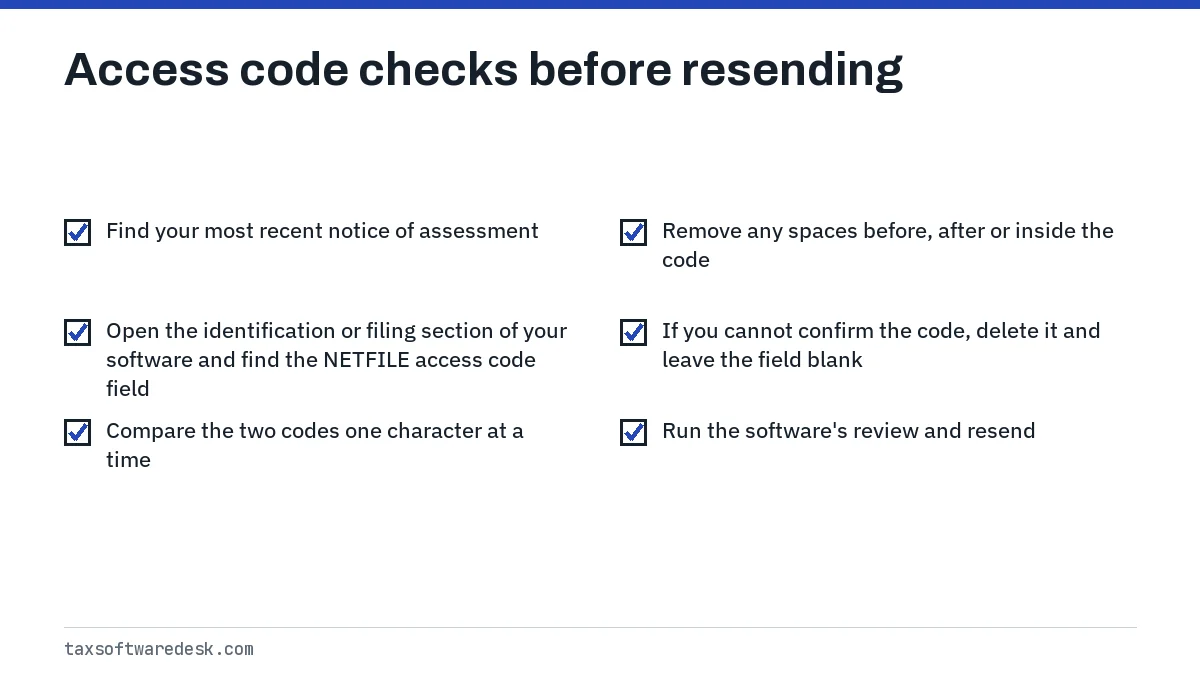
- Find your most recent notice of assessment. For a 2025 return filed in the 2026 season, that is normally the notice for your 2024 return.
- Open the identification or filing section of your software and find the NETFILE access code field.
- Compare the two codes one character at a time. Look closely at pairs that look alike on screen, such as zero and the letter O, or the digit 1 and the letter I.
- Remove any spaces before, after or inside the code.
- If you cannot confirm the code, delete it and leave the field blank.
- Run the software's review and resend. Save the confirmation number the software shows.
Worked example
Someone filing a 2025 return in April 2026 copies the code from the notice of assessment for their 2023 return because it was the first one in the drawer. The code is valid in format but not the latest one, so the CRA returns code 21. Retyping the code from the 2024 notice, or clearing the field, lets the return go through.
Can I leave the NETFILE access code blank?
Yes. The CRA says entering the access code is not mandatory and that certified software can send your return without it. When the field is empty, the CRA uses other information to confirm your identity instead of details from your last return.
Some programs present the field as if it were required. If yours lets you continue with the field empty, clearing it is the fastest way past a stubborn code 21. If the program will not let you continue, check its help centre or ask its support team how to send without the code.
Where is the UFile NETFILE access code field?
People searching for the UFile NETFILE access code are usually looking for the spot to type or clear it before transmitting. In UFile, as in most certified programs, the code belongs with the filing and identification details rather than with income slips. For product-specific screens and messages, see our page on UFile NETFILE errors.
If Auto-fill my return filled the code for you and code 21 still appears, the imported code may belong to a different tax year's return file. Run Auto-fill again in the correct year's return; our guide to Auto-fill my return not working covers connection problems.
Still rejected after fixing the access code?
If the code is blank or correct and the return is still refused, the identity problem lies elsewhere. The next code you see tells you where.
- Code 31: TurboTax Canada says your personal information does not match what the CRA holds from Service Canada. Check that your name and SIN match your SIN records exactly. See NETFILE error code 31.
- Code N1: authentication failed on name and SIN. TurboTax Canada notes the account locks after five failed attempts, so stop resending after the second failure. See NETFILE error N1.
- Code 84: your spouse or common-law partner's name contains a character the CRA rejects. See NETFILE error code 84.
When you cannot clear an identity error and your details are correct, the CRA says you can print the return and mail it. For the 2025 tax year, NETFILE stays open until January 29, 2027. Our NETFILE error codes list shows every common code and its source.
Step by step
Find your latest notice of assessment
Use the most recent notice, on paper or in your CRA account.
Compare the code
Check the 8 characters one at a time and remove any spaces.
Clear it if unsure
Delete the code; the CRA says it is not mandatory.
Resend
Run the review, send with NETFILE and save the confirmation number.
Common questions
Does the NETFILE access code change every year?
The code is tied to the notice of assessment it is printed on, which is why the CRA points you to your most recent notice. Use the newest one you have.
I lost my notice of assessment. How do I get the access code?
Sign in to your CRA account and open your latest notice of assessment there, or let Auto-fill my return fill in the code. You can also leave the field blank, since the CRA says it is optional.
Is the NETFILE access code the same as my CRA password?
No. The access code is an 8-character code printed on your notice of assessment. It is separate from your CRA user ID and password.
Why does my software say the access code is required?
Some programs ask for it by default. The CRA says entering it is not mandatory, so if the program lets you proceed with an empty field, that is allowed.
Can a wrong access code lock my account?
TurboTax Canada describes a lock after five failed attempts for authentication code N1. To be safe, stop after two identical failures and check your details before sending again.
Sources
- TurboTax Canada, NETFILE error codes turbotax.intuit.ca
- Completing a tax return with certified software (access code) canada.ca
- Auto-fill my return canada.ca
- NETFILE eligibility and dates canada.ca
- Sending a tax return with certified software canada.ca
We check figures against these official pages. Rules change; confirm anything that affects a deadline or payment with the agency before you act.
Tell us what happened
Describe your situation and our editors will use it to improve this guide. If you leave your email, we may reply with a pointer to the right page or official contact. We never share your details.